
How to upload a completed W-9 PDF
Received a signed W-9 by email or on paper? Upload the PDF from the advocate's detail page — the fields are read from the document automatically, and you confirm each one before submitting:
Note: Manual uploads follow the same verification process as forms submitted by advocates. Uploading a W-9 does not bypass or speed up verification.
Re-sending the request
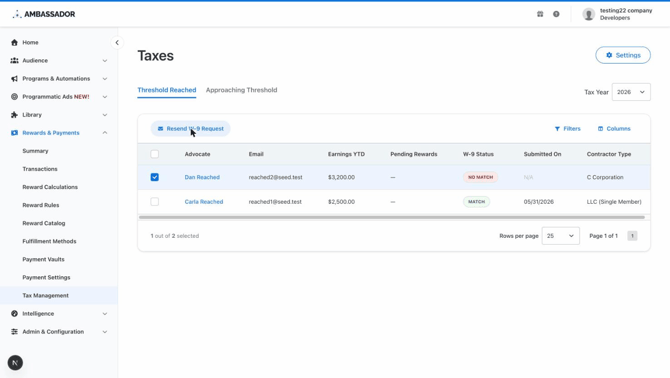
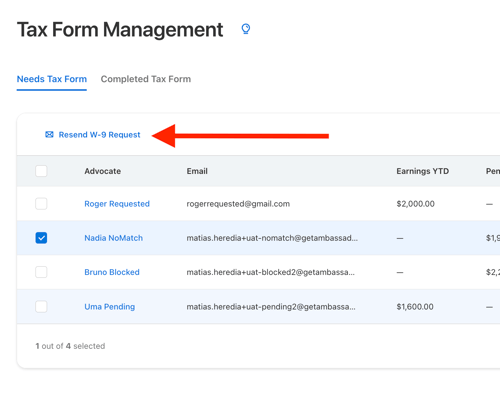
Select advocates in the Needs Tax Form table and click Resend W-9 Request to send them the request email again — useful for advocates who missed the original or verification failed:
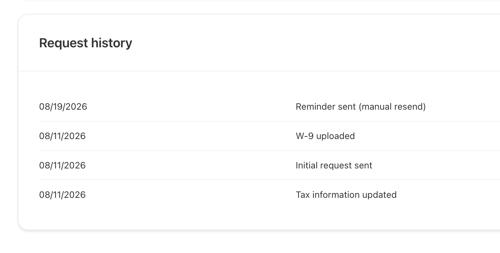
 Every manual resend is recorded in the advocate's tax record > Request history:
Questions? Review the related articles or contact support@getambassador.com.